Step 1: Connect to a network or use mobile data
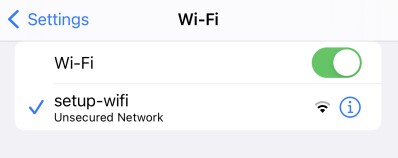
You’ll need an internet connection to access Cloudpath. You can either use mobile data or connect to the setup-wifi network.
- Go to Settings
- Open Wi-Fi settings
- Select setup-wifi
Step 2: Open Safari and visit the Cloudpath site
When you have mobile data or are connected to a network, follow the steps below.
- Open Safari browser
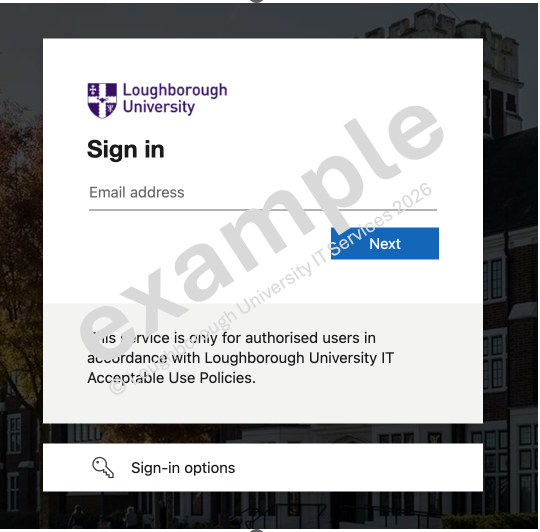
- Go to https://cloudpath.lboro.ac.uk
- Enter your Loughborough University credentials
- Click Next