Microsoft Office on the web
With Microsoft 365 for the web you can edit and share Word, Excel, PowerPoint, and OneNote files on your devices using a web browser.
Sign in to your Loughborough University Username and Password on the Microsoft 365 site to get started. You can access your documents whenever you have an Internet connection, from almost any device.
How to access Office online

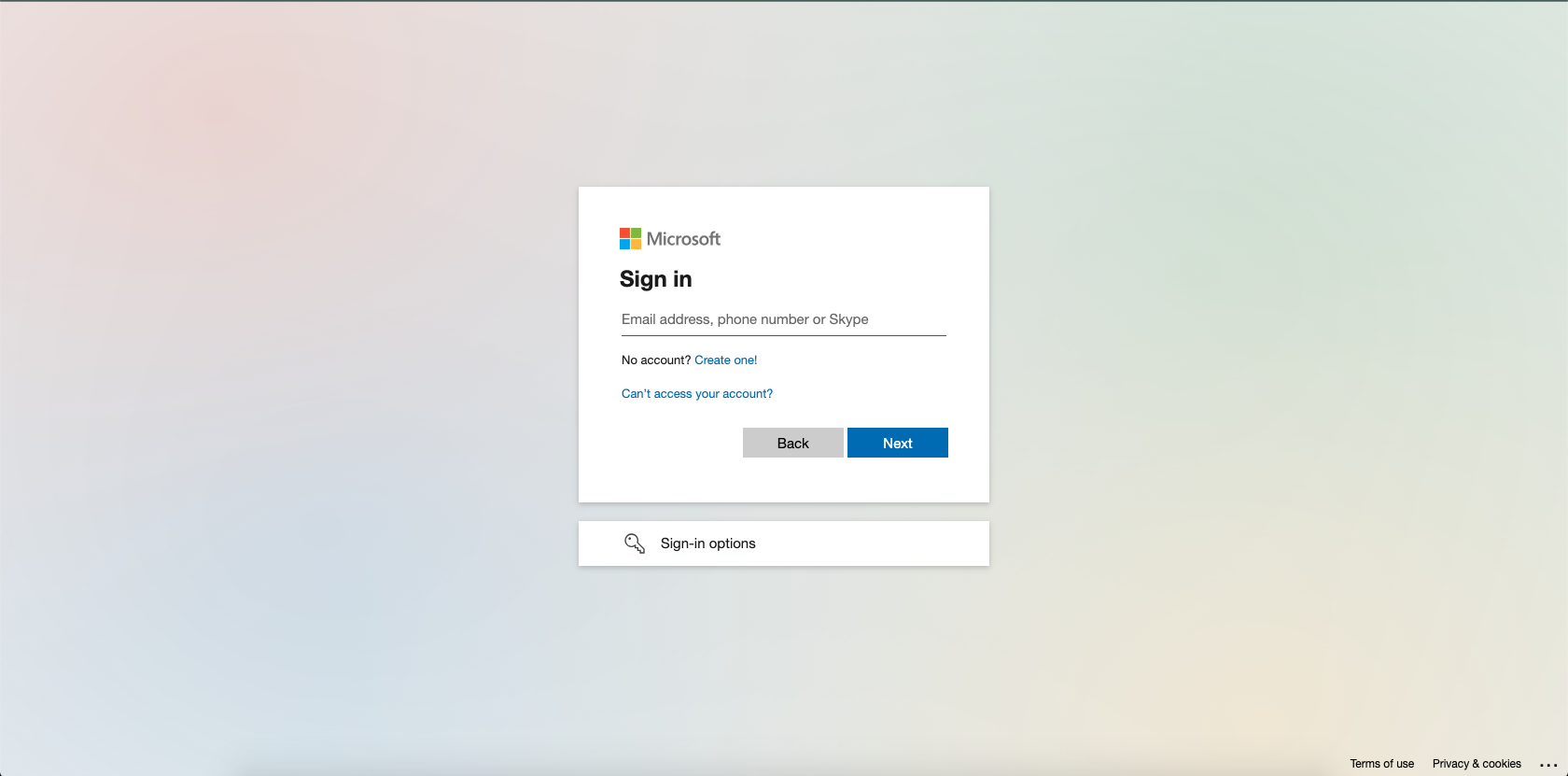
2. Sign in
Sign in with your Loughborough University email address.
3. Password
Next, enter your Loughborough University password.

4. Duo mobile app
You will be prompted to verify your access via the Duo mobile app (MFA).
Further information about Multi-Factor Authentication (MFA) can be found below.

5. Sign in option
Select preferred 'Sign in' option.

6. Welcome to Microsoft 365
You can access the Office applications from the sidebar menu.
